Link in Bio vs Website: Which Does Your Small Business Need?
A link-in-bio page and a website solve different problems. Here is how to tell which one your small business needs right now, and how to run both without doubling the work.

By Khairul Azahar Sharriffuddin · Published
Key takeaways
- A link-in-bio page is a single, phone-first page for people arriving from social apps; a website is a multi-page home for detail, search traffic and long-term credibility.
- If most of your customers find you on Instagram, TikTok or WhatsApp, start with a link-in-bio page. Add a website when you need many pages, a blog, online checkout or your own domain.
- The two work best together: the bio page is the front door from social media, the website is the room for detail.
- Compare the ongoing effort, not just the set-up cost: a website needs hosting, renewals, updates and security; a bio page needs a few minutes a week.
- Whichever you choose, measure it. Views, clicks and sources tell you when it is time to grow into the next step.
In this guide
"Do I need a website, or is a link in bio enough?" It is one of the first questions a small business owner asks after their first few sales on Instagram or TikTok. The honest answer to link in bio vs website is that they do different jobs, and most businesses end up using both at some point. The trick is knowing which one you need now, and how to make them work together later without doubling your workload.
This guide compares the two side by side: what each is built for, the effort and costs involved in general terms, which kinds of business should start where, and a simple plan for connecting them. If you are new to the idea, start with our guide to what a link in bio is.
Link in bio vs website: the short answer
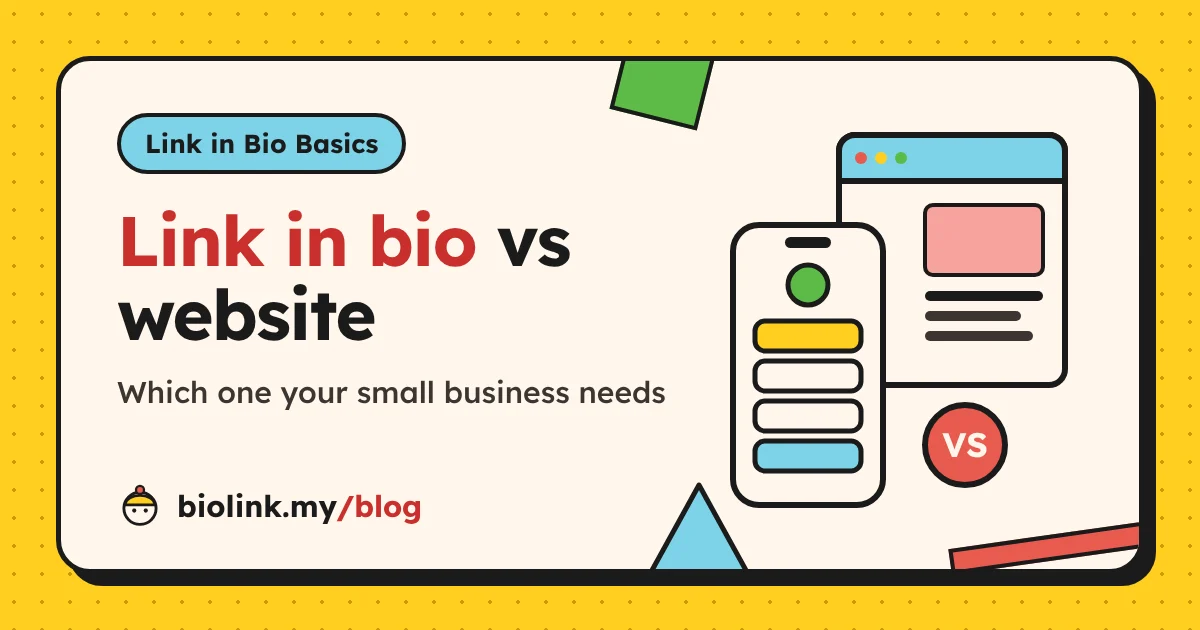
A link-in-bio page is one phone-first page that sits behind the link in your social profiles. Its job is to take someone who just watched your video and give them the right next step in one tap: order, book, message, listen or follow.
A website is your own home on the internet: several pages, usually your own domain name, often a blog, sometimes a full online store. Its job is to explain, to be found in search engines and to hold everything a curious customer might want to read.
So the quick rule is:
- If most customers find you on social media and buy through chat, start with a link-in-bio page.
- If customers search for you on Google, need detailed information or expect to check out online, you need a website.
- If both are true, use the bio page as the front door from social media and the website as the place for detail.
What a link-in-bio page is built for
Visitors from social apps are in a hurry. They tapped from inside Instagram or TikTok, usually with one thumb, and they want to see within seconds whether you have what they came for. A link-in-bio page is designed around that moment.
A good one has:
- Your name, photo and one line that says what you offer
- One main action at the top (order, book, WhatsApp)
- A short list of supporting links in order of importance
- Social icons so people can follow you elsewhere
- Optional blocks like a product catalogue, lead form, countdown, video embed or QR tip jar
On biolink.my, for example, a seller can add a product catalogue whose cart sends the full order (items, quantities and total) to WhatsApp, a payment link to their own provider, a DuitNow QR code and an action bar that keeps WhatsApp, Order and Share buttons at the bottom of the screen. Our guide on selling on social media without a website shows that setup in detail.
What a bio page is not built for: long articles, dozens of pages, detailed policies, search-engine content on many topics or an online checkout with card payments.
What a website is built for
A website earns its keep in situations a single page cannot handle:
- Search traffic. People type questions into Google every day. A website with several useful pages and a blog can answer many of those questions and bring in visitors who have never seen your social accounts. Google's SEO Starter Guide explains how search engines find and understand pages.
- Detail. Full menus, service descriptions, portfolios, case studies, FAQs, terms, delivery and return policies.
- Online checkout. If customers expect to pay by card and receive an automatic confirmation, you need an online store with a payment gateway.
- Your own domain. An address like yourbrand.com.my looks established on invoices, packaging and email.
- Independence. Your website keeps working if a social platform changes its rules or your reach drops.
The cost of all this is effort. A website needs planning, writing, design, a domain, hosting or a builder plan, regular updates and attention to security. None of that is hard on its own, but together it is a real commitment for a one- or two-person business.
Side-by-side comparison
| Factor | Link-in-bio page | Website |
|---|---|---|
| Main job | Next step for social visitors | Detail, search traffic, credibility |
| Pages | One | Many |
| Set-up time | Minutes to an hour | Days to weeks |
| Ongoing effort | A few minutes a week | Hours a month |
| Typical costs | Free to a small monthly fee | Domain, hosting or builder plan, sometimes a designer |
| Built for phones | Always | Depends on the design |
| Search engines | Your name and brand | Many topics, if you publish content |
| Selling | Catalogue, WhatsApp cart, payment links | Full store with checkout |
| Own domain | Usually not on free plans | Yes |
Neither column "wins". They answer different questions: where should a social visitor go next? and where does someone go to learn everything about you?
Tip: Write down where your last 20 customers first found you. If almost all of them came from Instagram, TikTok or WhatsApp, a link-in-bio page will help you faster than a website. If several found you on Google, a website deserves a place on your list.
Costs and effort compared, in general terms
Prices change and vary a lot between providers, so instead of numbers, here is what you actually pay for in each case.
What a website costs you
- A domain name, renewed every year.
- Hosting or a website builder plan, usually monthly or yearly. Builders are easier; self-hosting is more flexible but needs more technical care.
- Design and writing. You can do it yourself with a template, or pay a designer or agency.
- Extras: online store features, payment gateway fees per transaction, email hosting, plugins or apps.
- Your time: updating prices and photos, keeping software current, checking forms still work and fixing what breaks.
What a link-in-bio page costs you
- The tool. Many link-in-bio tools have a free plan with limits and paid plans for features like analytics, scheduling or removing their branding. biolink.my is free for everyone, with no paid tiers.
- Your time: usually a short weekly check to update the top link, swap a product photo or remove an expired offer.
The hidden cost: keeping it current
The most expensive website is the one nobody updates. Old prices, last year's promo and a broken contact form cost more trust than having no website at all. Be honest about how much time you will spend maintaining whatever you build. A small page you keep fresh beats a big site you abandon.
Which one should you start with?
Here is a practical way to decide based on how your business works today.
| Business | Start with | Add later |
|---|---|---|
| Home baker or food seller | Link-in-bio page with WhatsApp orders | Website when you open a shop or take corporate orders |
| Online clothing seller | Bio page plus marketplace links | Own store when repeat buyers want checkout |
| Musician or creator | Bio page with music and video links | Website for press kit and a mailing list |
| Coach or tutor | Bio page with a lead form | Website with a blog to attract search visitors |
| Café or salon | Bio page plus Google Business Profile | Website with menu or price list pages |
| B2B service or agency | Website | Bio page for social campaigns |
Two notes on the table. First, local businesses should also claim a free Google Business Profile, because it often shows up before any website when people search for a shop near them. Second, B2B buyers tend to research before they contact anyone, so a website with real detail matters more there than in impulse-buy categories.
How a link in bio and a website work together
Once you have both, give each one a clear job and connect them, so visitors never feel they are bouncing between two different businesses.
Make the bio page the front door
Paste your link-in-bio address into every social profile. On Instagram you add it under Edit profile, as Instagram's help page on adding a link to your profile explains. Keep the bio page focused on quick actions and link to the website only where detail helps.
Link to specific website pages, not just the homepage
"Visit our website" is a weak button. Link straight to the page that answers the visitor's question:
- "See the full menu" → your menu page
- "Read our delivery policy" → your delivery page
- "Browse the full portfolio" → your portfolio page
- "Read client results" → your case studies page
Add campaign tags to links that go to your website
If your website has its own analytics, add UTM tags to the links on your bio page, so those visits are labelled correctly instead of showing up as generic social traffic. Our guide to tracking link-in-bio clicks with UTM tags walks you through it.
Link back from the website
Put your social icons and a WhatsApp button on your website too. Some customers prefer to chat before they buy, and the bio page is often the quickest way to reach you.
Keep the look consistent
Use the same logo, photo, colours and tone on both. On biolink.my you can pick one of four templates and adjust the button colour, page background and heading font, so the bio page feels like part of the same brand as your website. You can browse the templates to find a close match.
When your link in bio is not enough
A link-in-bio page is a strong start, but watch for these signs that it is time to add a website:
- You keep sending long explanations by chat. If you copy-paste the same paragraphs about services, terms or delivery, they belong on website pages.
- People search for topics, not just your name. A blog can answer those searches and bring in new customers.
- Customers ask to pay by card online and expect an automatic receipt.
- You need your own domain for tenders, corporate clients or a professional email address.
- You have outgrown one page. If your bio page needs ten sections to explain what you do, the content wants to be a website.
When a website is not enough
The opposite also happens. Plenty of businesses have a website and still lose social visitors because:
- The homepage is built for desktop. Visitors from TikTok land on a large hero image, a menu and three paragraphs before they find the order button.
- There is no quick way to chat. Social buyers often want to ask one question first.
- It is slow to update. Changing the top promo takes a login, an editor and a page rebuild, so the weekly offer never makes it there.
- Social campaigns change weekly. A bio page lets you move this week's offer to the top in a minute, or schedule it to appear and disappear on set dates.
If that sounds familiar, keep the website and add a bio page in front of it for social traffic.
Mistakes to avoid with either option
- Building a big website before you have customers. Validate what sells with a simple page first.
- A bio page that is just a list of logos. Labels like "Instagram" and "Website" do not tell people why to tap. Write actions: "Order kek lapis on WhatsApp".
- Different prices in different places. Keep one source of truth and update everything together.
- Sending social visitors to a desktop homepage. Test every link on your own phone.
- Forgetting privacy. If you collect names, phone numbers or emails, tell people why and keep the data safe. In Malaysia, the Personal Data Protection Department explains your obligations.
- Never checking the numbers. Without views and clicks you are guessing which page does the work.
How to measure what each one does
Give each tool its own scorecard:
- Bio page: views, clicks per link, click rate and traffic sources. On biolink.my these are in the Analytics section, along with countries and devices, and you can export them as CSV.
- Website: visits from search, pages viewed, contact form submissions and online orders, from your website analytics.
Review both once a week for a month. If the bio page sends lots of clicks to one website page, make that page better. If the website gets search visitors who never contact you, add a clear WhatsApp or booking button. For more ideas on what to do with the numbers, see our 15 online marketing tactics for Malaysian sellers.
Why biolink.my is free
biolink.my is free for every user, with no paid tiers and no fees on your sales: templates, analytics, scheduling, the WhatsApp shop and lead forms are all included. It is paid for by brand partners through one small card labelled "Sponsored" at the bottom of public pages, never between your links and never as a pop-up. See all the features.
Conclusion
The link in bio vs website question is less of a contest than it looks. A link-in-bio page is the fastest way to turn social attention into orders and messages; a website is the long-term home for detail, search traffic and your own domain. Start with the one that matches where your customers come from today, give each a clear job, connect them with specific links and let your numbers tell you when to add the other.
Frequently asked questions
Is a link in bio enough for a small business?
For many small sellers, creators and local services, yes, at least at the start. If customers discover you on social media and order through chat, a link-in-bio page with your products, WhatsApp button and payment options covers what they need. You will want a website when you need many pages, a blog for search traffic, online checkout or your own domain.
Do I need a website if I have Instagram?
Not always. Instagram is rented space: the rules, the reach and even your account are controlled by someone else. A link-in-bio page gives you a page you control and can point every profile to. A full website adds more control and more room, which matters once your business depends on search traffic or detailed information.
Can a link-in-bio page rank on Google?
It can show up when people search your name or brand, especially if the page has a clear name and description. biolink.my includes published pages in its sitemap so search engines can find them. A single page will not rank for many different topics, though; that is what a website with several pages and a blog is for.
Is a link-in-bio page cheaper than a website?
Usually, and it takes far less time. A website involves a domain, hosting or a website builder plan, and regular updates. Link-in-bio tools range from free plans with limits to paid plans. biolink.my is free for everyone, paid for by one small "Sponsored" card at the bottom of public pages.
Should my Instagram bio link go to my website or my link-in-bio page?
If your website has a clear, phone-friendly page for the one thing social visitors want, you can link straight to it. If you need to offer several options (shop, WhatsApp, booking, latest video), link to your bio page and put a button to the website on it.
Can I use my own domain with biolink.my?
Not at the time of writing. Pages live at biolink.my/@yourname. Custom domains are on the roadmap. If your own domain matters to you today, keep it for your website and link to your bio page from there.